






WhatsApp business bots outsourcing in short
WhatsApp Business bots answer customers, capture leads, take bookings and send order updates on WhatsApp, using the WhatsApp Business Platform.
What is WhatsApp business bots?


WhatsApp Business bots answer customers, capture leads, take bookings and send order updates on WhatsApp, using the WhatsApp Business Platform.
Answer, book and update on WhatsApp. The sections below set out what is included, how the work runs and what it takes to outsource it.
What you get with WhatsApp business bots
Scope is agreed in writing before work starts. These are the usual parts.
Account setup
business profile and number registered
Message templates
drafted and submitted for approval
Conversation flows
menus plus AI answers
System connections
CRM, orders and calendar
Broadcasts and reminders
sent only to people who opted in
Agent inbox
staff take over any chat
Plans and pricing for WhatsApp business bots
The price of outsourcing WhatsApp business bots depends on the scope, the skills involved and how long the work runs. Projects with clear requirements get a fixed quote. Continuing work is billed monthly, either as a plan with listed deliverables or per dedicated person. Before any work starts you receive a written scope and quote, so you can compare it line by line with other offers.
Starter
A first project or a pilot
- Account setup
- Message templates
- Conversation flows
Priced after a short scoping call
Get a quoteGrowth
A monthly plan with listed deliverables
- Account setup
- Message templates
- Conversation flows
- System connections
- Broadcasts and reminders
- Agent inbox
Priced after a short scoping call
Get a quoteScale
A dedicated team on your roadmap
- Account setup
- Message templates
- Conversation flows
- System connections
- Broadcasts and reminders
- Agent inbox
- A project lead
- Custom reporting
Priced after a short scoping call
Get a quoteTools and technology for WhatsApp business bots
We work with the tools you already have and add what the job needs.
The numbers reported for WhatsApp business bots.
How WhatsApp business bots runs, step by step
How WhatsApp business bots is usually phased. Your dates are set in the quote.
Each step is explained on our AI page. Engagement models, the first 30 days and contracts are covered in the IT outsourcing guide.
Why outsource WhatsApp business bots to Organizein
A model answers.An agent gets it done.
ScopeWhat is included
01Account setup02Message templates03Conversation flows04System connectionsResultsWhat we measure
01Resolution rate02Accuracy03Response time04Cost per taskIn-house hire
Freelancers
Organizein team
Companies we have worked with
Pet Industry Expert
Phil Cooper is an expert with over 40 years of experience in the Pet Industry. He was a part-owner of an 80-year-old Pet distribution company.
MJ Associates
MJA is engaged in the direct delivery of regulatory as well as R&D tax benefits to Australian companies from startups to the very largest.
Smart Tools
VerifyTreatment is the leading provider of electronic verification of insurance benefits across the USA. It has access to 500+ insurance company databases and provides
See the work in motion
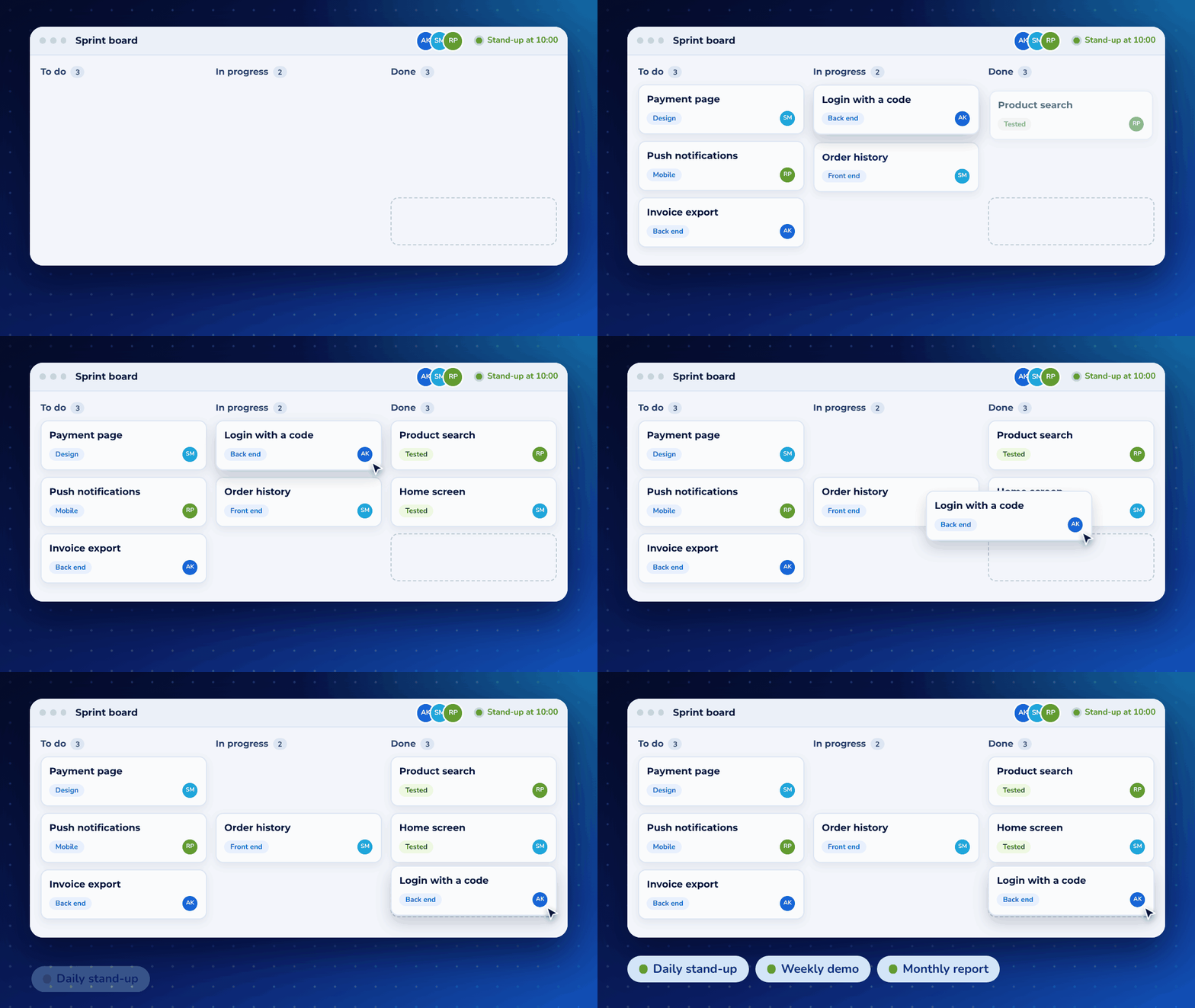
A short animation of the kind of result this work produces, using sample data.
A guide to WhatsApp business bots you can keep


How we manage the call for WhatsApp business bots
The first call for WhatsApp business bots is a working session of about 40 minutes. You leave with notes, a written scope, a timeline, and a price. Work starts after you accept that scope.
WhatsApp Business bots answer customers, capture leads, take bookings and send order updates on WhatsApp, using the WhatsApp Business Platform.
People reach this page, /ai/whatsapp-bots/, when they want WhatsApp business bots handled by a team in Bengaluru that will put the next step in writing. It sits with our AI work. You can start from the form on this page, from the quote page, or by phone on +1 646 679-7250. Say what you need in a few lines. Mention the deadline if you have one, and say if you want an NDA before the conversation.
Before anyone joins the call
A producer reads what you sent and replies the same business day with two or three times in your timezone, the names of the people who will be on our side, and a short list of what to have open. For WhatsApp business bots, that list is practical: the current way Account setup happens, an example of a result you are happy with, and the names of the people who use it. If you asked for an NDA, it arrives before the call, as a document you can sign and return. We read your site, your public material, and the notes on this page so the call starts from your situation. If you already use OpenAI, Anthropic Claude, and Google Gemini, bring that up. The work can stay in your tools when they fit the job.
The right people on your side are the person who can describe the work and the person who can approve a scope. They are often the same person. A large committee makes the 40 minutes thinner, so we ask for the one or two people who will live with the decision. On our side you get the producer, who owns the scope and the price, and a WhatsApp business bots specialist, who will actually do the work if you go ahead. You are talking to the people who would be accountable, and the specialist is in the room so the scope is something we can deliver.
The agenda, in order
The call runs on a clock. We keep a written agenda, and we tell you if we are leaving an item for the follow-up note. The shape is the same every time, and the contents come from your brief.
- The first five minutes. We confirm who is deciding, what a good result looks like, and the date you care about. For WhatsApp business bots, a good result is something we can point at, such as Account setup working in the way you describe.
- The next fifteen minutes. We walk through what you have today. We ask how Account setup is done now, where it breaks, and who feels that break. Then we do the same for Message templates. You talk. We ask short questions and write the answers down.
- The next twelve minutes. We turn that into the work. We name what is included, starting with Conversation flows, and we name what is outside this phase. Constraints belong here: access, brand rules, languages, data you can and cannot share, and any date that cannot move.
- The last eight minutes. We read the recap back to you. You hear the scope in plain language, the timeline as weeks, and what the written price will cover. We agree the date you will have that document, and the date we will speak again if you want to proceed.
What you leave with
Within one business day you receive a note of the call and a quote. The note is written in sentences, and it records what you said, what we proposed, and what is still open. The quote is a document you can compare with anyone else. It has a line for each part of the work, a timeline, the name of the person who will lead it, and the price. For WhatsApp business bots, the lines follow the work we discussed:
- Account setup
- Message templates
- Conversation flows
- System connections
You accept the scope by replying in writing. A verbal yes on the call is a direction, and the written reply is the start. If you want a line removed, added, or split into a later phase, we change the document and the price before any work begins. An NDA stays in force for the life of the conversation, whether you hire us or you do not.
How the call works after the work has started
Once WhatsApp business bots is underway, the call becomes a weekly working session of 30 minutes. The agenda arrives the day before. It lists what was finished, what is in progress, what is blocked, and the decisions we need from you. Notes go back the same day, and the decisions in them are the ones we build to. One person on our side owns the account. You will know their name from the quote, and they are the person who answers. Extra calls happen when a decision is stuck or a risk has appeared. We set them for a reason, with an agenda, and we close them with a note.
A change to the scope is handled in writing. You can ask for it on the weekly call. We describe the change, the effect on the date, and the effect on the price, and we wait for your written yes before we do that extra work. Small clarifications that stay inside an agreed line are done and mentioned in the notes. The weekly call is also where you can stop a line, pause a phase, or move a date. The plan on the pricing page is a starting point. Starter is a first project, Growth is a month of named deliverables, and Scale is a dedicated team. The call is where we pick the one that matches the work, and the quote is where the price is fixed.
The full WhatsApp business bots process after the call
After you accept the quote, WhatsApp business bots moves one line at a time. Each line has an owner, a week on the timeline, and a result you can review on the weekly call.
The producer keeps the plan. The specialist does the work. You get one place to comment and one call a week to decide. A phase closes when its lines are met and the notes say so.
Account setup
On a WhatsApp business bots project, Account setup is its own line in the scope, with an owner and a definition of done. On the first call we ask what you have today and what finished looks like. After you accept, this line is planned into the weeks of the timeline, and you see it on the weekly call until it is done. Where it helps, this is done with OpenAI.
Message templates
Message templates is included because it is part of making WhatsApp business bots useful, and it is paired with Conversation flows so the work arrives in an order you can review. We agree the check for this line before we start it. The check is something you can look at, such as a report, a screen, a document, or a working step in your process. Where it helps, this is done with Anthropic Claude.
Conversation flows
We treat Conversation flows as finished only when it matches the sentence in the scope. If the real work turns out wider, we stop and write the extra part as a change, with a date and a price. You keep the original line either way. Where it helps, this is done with Google Gemini.
System connections
The people who will use System connections are named on the call, and we write the guide for them in their words. WhatsApp business bots fails when the work is technically done and the team does not use it, so this line includes the handover, the questions, and one revision after they have tried it. Where it helps, this is done with Open-source models such as Llama.
Broadcasts and reminders
On a WhatsApp business bots project, Broadcasts and reminders is its own line in the scope, with an owner and a definition of done. On the first call we ask what you have today and what finished looks like. After you accept, this line is planned into the weeks of the timeline, and you see it on the weekly call until it is done. Where it helps, this is done with LangChain.
Agent inbox
Agent inbox is included because it is part of making WhatsApp business bots useful, and it is paired with Account setup so the work arrives in an order you can review. We agree the check for this line before we start it. The check is something you can look at, such as a report, a screen, a document, or a working step in your process. Where it helps, this is done with Vector databases.
The first 30 days of WhatsApp business bots are for setting the rhythm. Week one is access, the working files, and the first line of the scope. The later weeks follow the timeline in the quote. At day 30 you have a written view of what is done, what is next, and whether the plan still matches the price. If it does not, we say so on that call and put the choice in the notes.
Where the WhatsApp business bots work is done
The WhatsApp business bots team is employed in Bengaluru, India. The call is booked in your timezone, and the work between calls happens in India Standard Time, which is UTC+5:30 all year.
A 9:00am call in New York is 7:30pm in Bengaluru, and we keep that evening open for clients in the United States and Canada. A 9:00am call in London or Dublin is 2:30pm in Bengaluru. A 10:00am call in Dubai or Riyadh is 12:30pm. A 9:00am call in Johannesburg or Berlin is early afternoon in Bengaluru. A 4:00pm call in Sydney is mid-morning in Bengaluru, and a late morning call in Singapore is early morning for the team. We name the hour in your time when we send the invitation.
You can read the local pages for the United States, the United Kingdom, the UAE, India, Australia, Canada, Germany, Singapore, South Africa, Saudi Arabia, the Netherlands, and Ireland. The WhatsApp business bots scope, the language of the work, and where the data lives are agreed on the call. Hosting can sit in your cloud account or in an account we run for you, and that choice is a line in the quote.
English is the language of the call and the notes. If WhatsApp business bots has to ship in another language, we name the languages in the scope and staff them on purpose. Documents, access, and the weekly notes stay in a shared place you control. When you want the data to stay in a particular country, say so before the call and we will put that constraint on the first page of the scope.
Questions about WhatsApp business bots
How long is the first call for WhatsApp business bots?
About 40 minutes. The first call for WhatsApp business bots covers the result you want, the current setup, the scope, and the price. You receive the notes and the written quote within one business day.
What should I prepare for a WhatsApp business bots call?
Have the current version of Account setup open, plus one example of a good outcome. If the work already lives in OpenAI, we can look at it together. The person who can approve a scope should be on the call. Ask for an NDA first if you want one signed before you share details.
What do I receive after a WhatsApp business bots call?
A written note of what was agreed, a scope with a line for Account setup and Message templates, a timeline, the name of the person who will lead the work, and a price. Work starts after you accept that document.
How are later WhatsApp business bots calls managed?
One 30-minute call each week, with the agenda sent the day before and the notes sent the same day. Changes to the scope are written down with the effect on the date and the price, and they wait for your yes.
What is WhatsApp business bots?
WhatsApp Business bots answer customers, capture leads, take bookings and send order updates on WhatsApp, using the WhatsApp Business Platform.
Do customers need to install anything to use a WhatsApp bot?
No. They message your business number in WhatsApp as usual. Marketing messages need the customer's opt-in.
Will AI replace our staff?
Most projects remove repetitive work, so that staff can handle the cases that need judgement.
Can AI connect to our existing systems?
Yes. Agents and automations are connected to tools such as your CRM, helpdesk, calendar and website through their APIs.
What does AI cost to run?
Running costs depend on usage and the model chosen. We estimate them during the pilot and design to keep them predictable.
Do we need a lot of data to use AI?
Not always. Many projects use a language model with your existing documents, FAQs and records. We check what you have before recommending an approach.
How do I get a quote?
Send the form on this page or call +1 646 679-7250. You get a written scope, a timeline and a price before any work begins.
More questions are answered on our AI page.
Related services and reading
Guides
How Much Should a Website Cost?
Are you thinking of redesigning your already existing website or simply wish to launch a new one?
What Is CRM
Best Interaction services with Customers.
What Is Digital Marketing
Build Brand Recognition as an Industry Leader and Enhance Profitability
Further reading
Independent sources on the standards and platforms behind this work.


